Cartoon / toon · Illustrious XL
Nova Cartoon XL — the XL-tized cartoon look
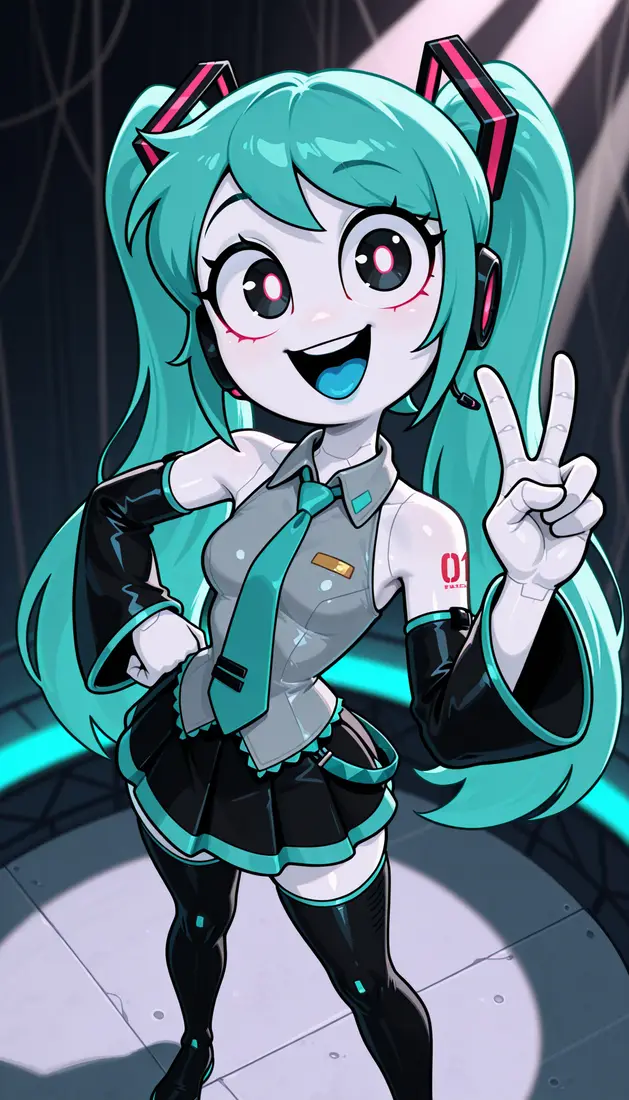
Nova Cartoon XL is Crody’s SDXL cartoon checkpoint — described by the author as “XL-tized Nova Cartoon.” Public focus: Illustrious v6.0. Use it when you want a clear toon style rather than classic anime polish.
- Creator
- Crody
- Current focus
- v6.0
- Style
- Cartoon / toon
Why Nova Cartoon XL
Toon aesthetics with SDXL power
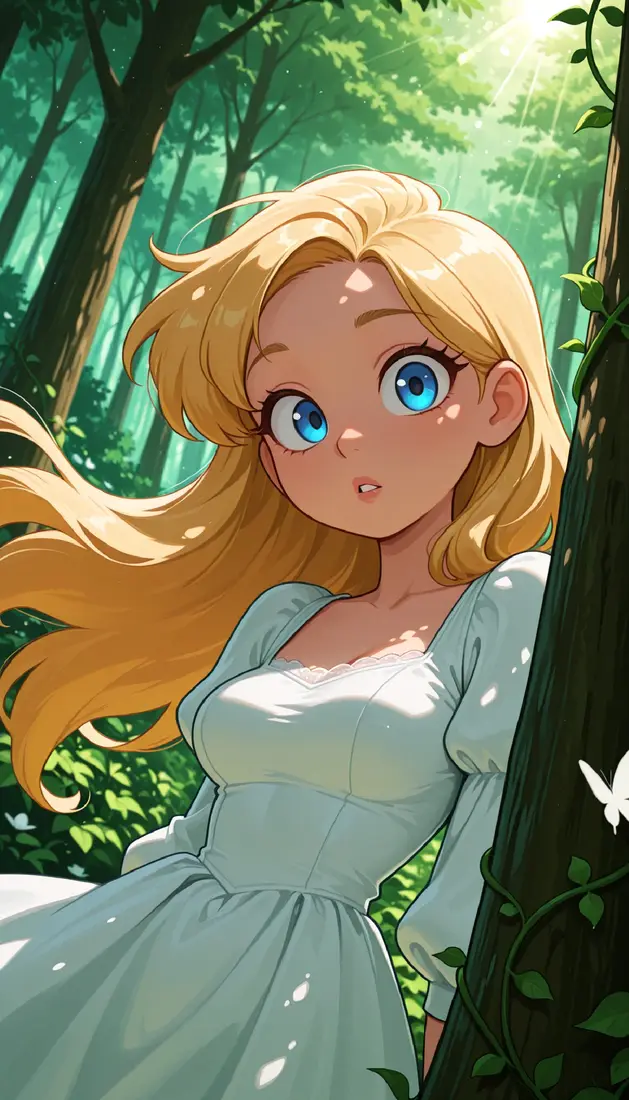
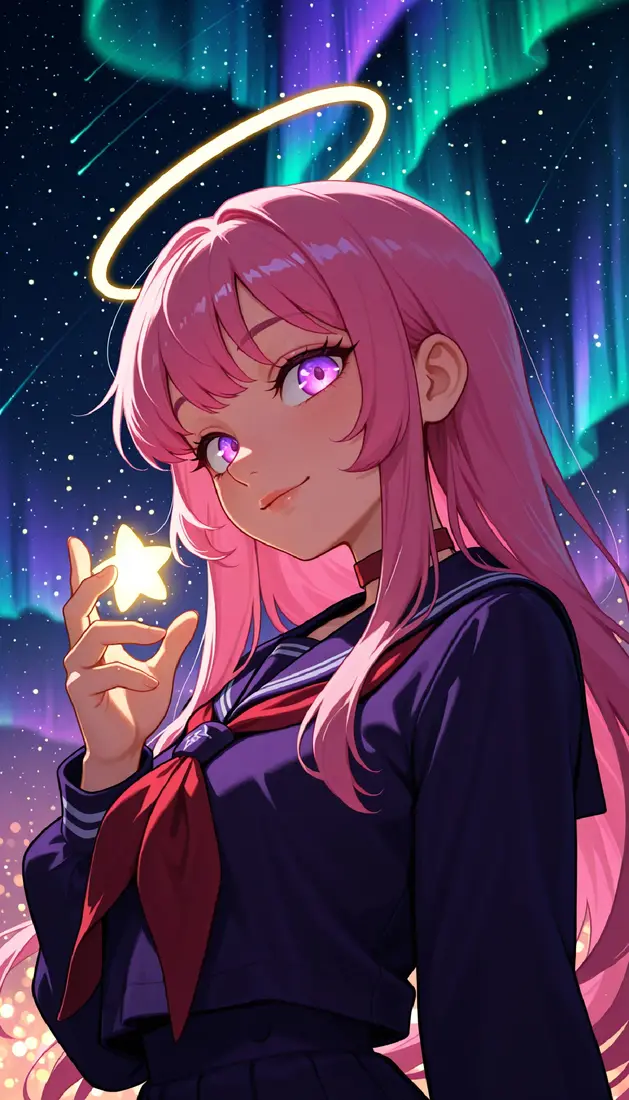
Pick Cartoon when flat-to-stylized cartoon shapes matter more than photoreal or pure anime line work.
Cartoon / toon first
Author framing is cartoon looks — not the same product goal as Nova Anime XL’s anime/2.5D line.
XL-tized from Nova Cartoon
Predecessor Nova Cartoon lived on Pony Diffusion; XL version brings the idea onto SDXL / Illustrious.
Simple public defaults
Euler a, about 20–30 steps, CFG about 3–5, Clip Skip 1–2 are common starting tips.
Prompt for toon, not anime
Cards often show cartoon/toon quality tags; some negatives include anime-style tags to keep the toon bias.
Lineage
From Pony Cartoon to Illustrious XL
Cartoon XL sits in the wider Crody Nova family but keeps a separate cartoon identity from Anime and Orange.
- 1
Nova Cartoon (non-XL)
Earlier Pony Diffusion checkpoint aimed at detailed cartoon looks.
- 2
XL conversion
Nova Cartoon XL brings the concept to SDXL-class models with Illustrious-era files.
- 3
Public v1–v6 trail
Civitai lists multiple versions through v6.0; full per-version changelogs are sparse on the main UI.
- 4
v6.0 (current focus)
Illustrious checkpoint (~2025-10-19), weight name NovaCartoonILV6.safetensors on public cards.
How to use it
A simple starting recipe
Load v6.0 (or the version you have) in a local UI, or pick a Nova Cartoon checkpoint inside the multi-model playground tabs.
1. Use toon quality tags
Lead with cartoon/toon style tags rather than pure anime score chains.
2. Euler a · CFG 3–5
Public tips: about 20–30 steps, CFG about 3–5, Clip Skip 1–2.
3. Keep negatives aligned
If the card shows anime-style negatives for toon bias, keep them until you know you want a hybrid look.
4. Multi-model playground
No dedicated Cartoon-only Space in our tabs — choose Cartoon checkpoints inside multi-model demos.
Playground
Try Cartoon via multi-model demos
Open the playground multi-model tabs and select a Nova Cartoon XL checkpoint from the model list.
Demos are third-party. Availability and model lists can change.
Launch playground
Resources